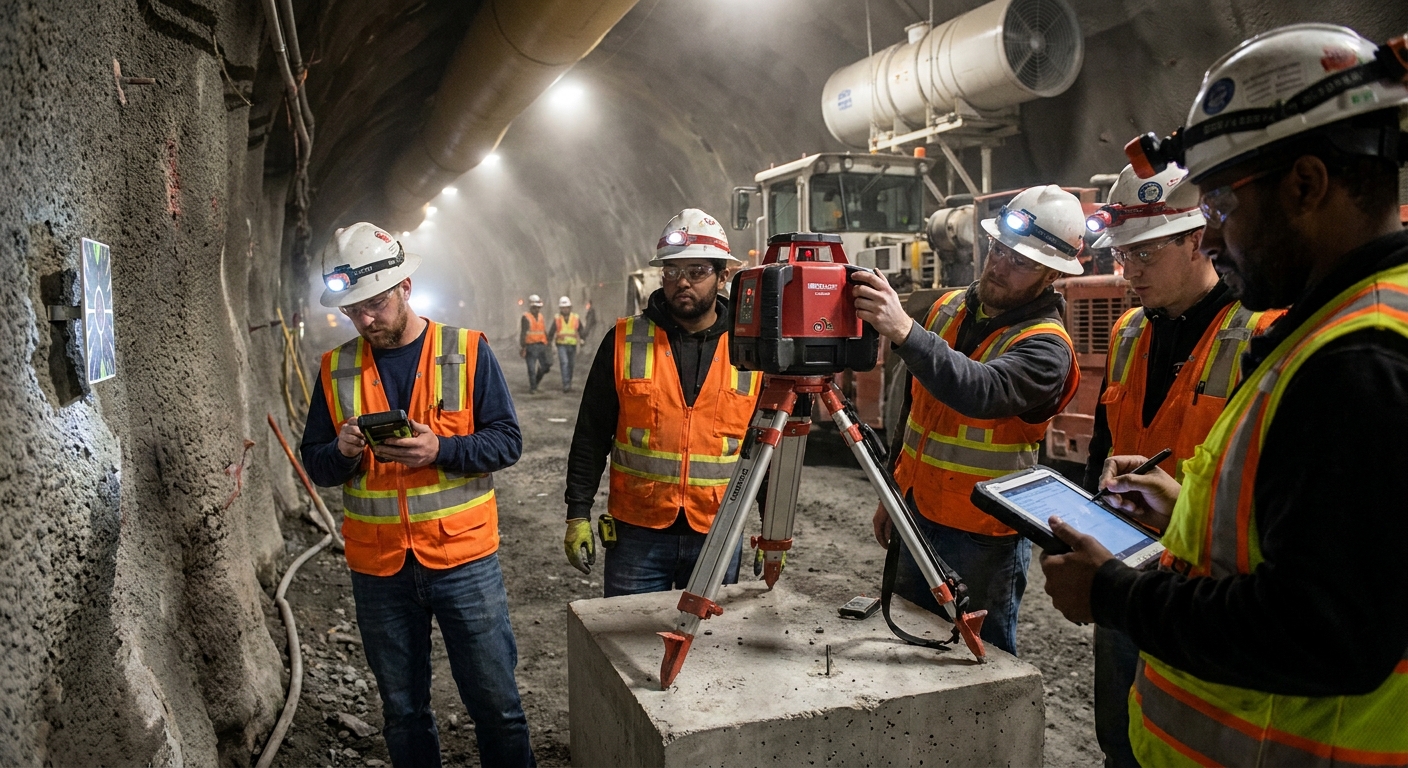


Is Your Underground Paging System Glitching? Here's What to Look For
Most facility managers think paging systems are set-it-and-forget-it infrastructure. Install it once, let it run forever. But underground environments don't play nice with electronics — and if you're not watching for wear, you're headed for a communication blackout. These systems keep mines, tunnels, and industrial sites connected when radio waves can't penetrate thick walls. They're safety lifelines, not luxury tech. When they fail, people can't reach each other during emergencies.
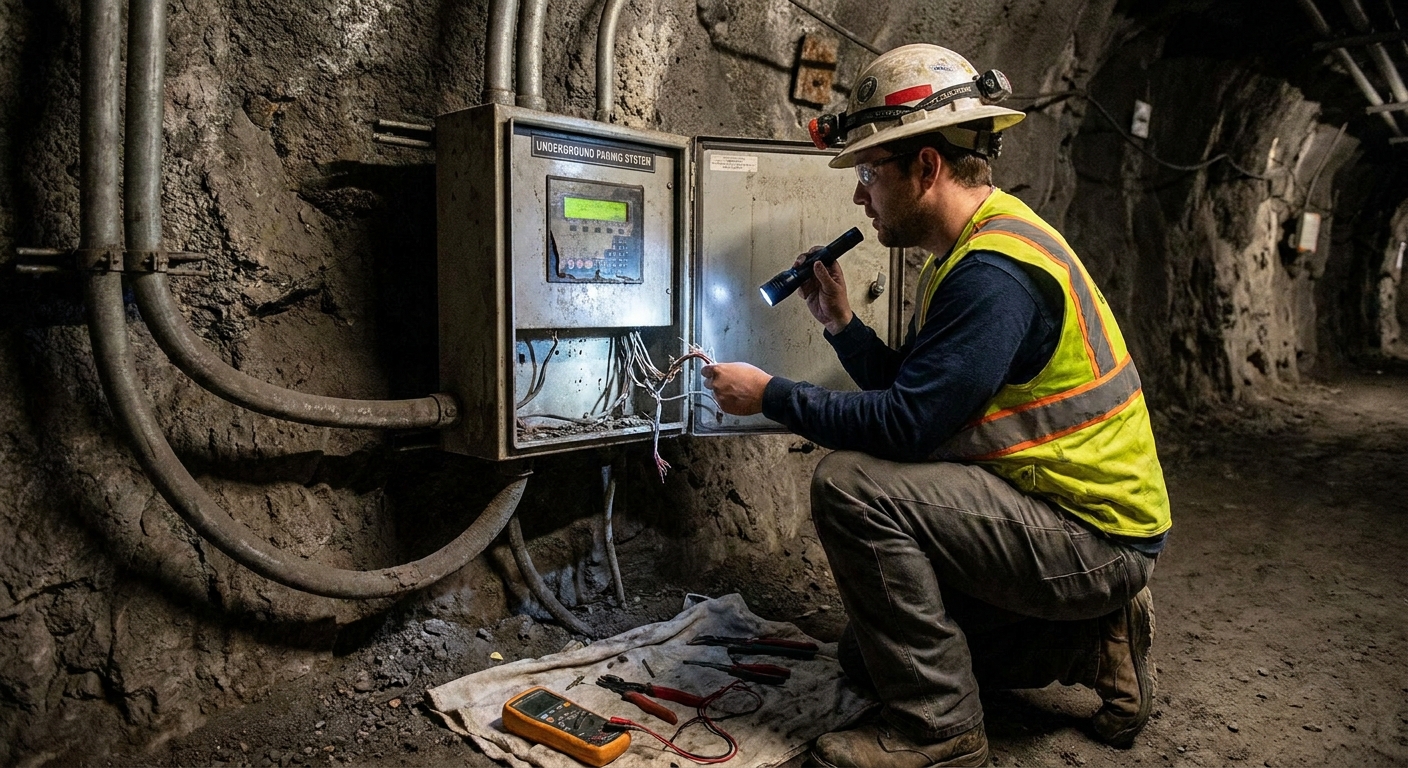
So here's what matters. If your system is acting up, there's usually a reason — and it's rarely just bad luck. Equipment degrades. Environments shift. Signals get choked out by interference or physical damage. Every glitch has a source, and catching it early means avoiding the kind of failure that shuts down operations or puts workers at risk.
Signals That Drop or Disappear Completely
When messages don't land where they're supposed to, that's not a quirk — it's a breakdown. Dropped signals mean your transmitters, receivers, or cabling are struggling to keep up. Maybe there's interference from other equipment. Maybe the underground layout changed and nobody updated the system map. Either way, patchy coverage is a red flag.
Testing should be routine, not reactive. Walk every zone with a receiver and see what's getting through. If certain areas are consistently dark, you've got a coverage problem that needs fixing before someone needs help and can't get it.
Messages Arrive Late or Not at All
Paging systems exist for speed. If there's a lag between sending a message and hearing it come through, something's bottlenecking the flow. Could be overloaded hardware. Could be outdated software struggling to process requests. Could be network congestion if you're running too many devices on the same line.
Delays aren't just annoying — they're dangerous. In an emergency, five seconds can be the difference between a controlled response and chaos. Track delivery times and investigate anything that feels slow. If the system can't keep pace with real-time needs, it's not doing its job.
Audio That's Garbled or Full of Static
Clear sound isn't optional. If pages come through distorted or buried under static, the message might as well not exist. Microphones and speakers take a beating underground — moisture, dust, and vibration all chip away at performance. Wiring can corrode or loosen over time, creating feedback loops or dead spots in the audio chain.
Regular maintenance keeps components clean and functional. Don't wait until someone reports that they can't understand a word. Test audio quality across all zones and replace anything that's degrading before it becomes a liability.
Controls That Won't Respond When You Need Them
Unresponsive systems are maddening. You press the button, nothing happens. You try to switch channels, the system freezes. This points to deeper issues — software bugs, hardware failure, or power supply hiccups. Sometimes a reboot clears it up. Often, it's a sign that something's dying and needs replacement.
Check error logs if your system has them. Look for patterns in when the unresponsiveness happens. If it's recurring, bring in a technician before the whole system locks up during a critical moment.
Dead Zones Where Coverage Just Stops
Dead zones are the gaps where your paging system can't reach. They develop when layouts change, new equipment blocks signals, or antennas get damaged. A zone that worked fine six months ago might be silent now because someone installed a metal barrier or rerouted ventilation.
Coverage mapping should happen regularly. Walk the site with test equipment and mark where signals drop off. Installing repeaters or upgrading antennas can fill those gaps, but only if you know where they are. Don't assume coverage is universal just because it was once.
Systems That Keep Crashing or Resetting Themselves
Frequent resets aren't normal. If your paging system keeps shutting down and restarting, you've got a serious problem. Power fluctuations, overheating, or failing components are the usual suspects. Software bugs can also trigger crashes, especially if firmware hasn't been updated in years.
Review system logs to see what's happening right before each crash. Patterns will point you toward the root cause. If it's hardware, replace it. If it's software, update it. If it's power, stabilize the supply. Don't let intermittent crashes become a constant disruption.
Power Failures or Batteries That Won't Hold a Charge
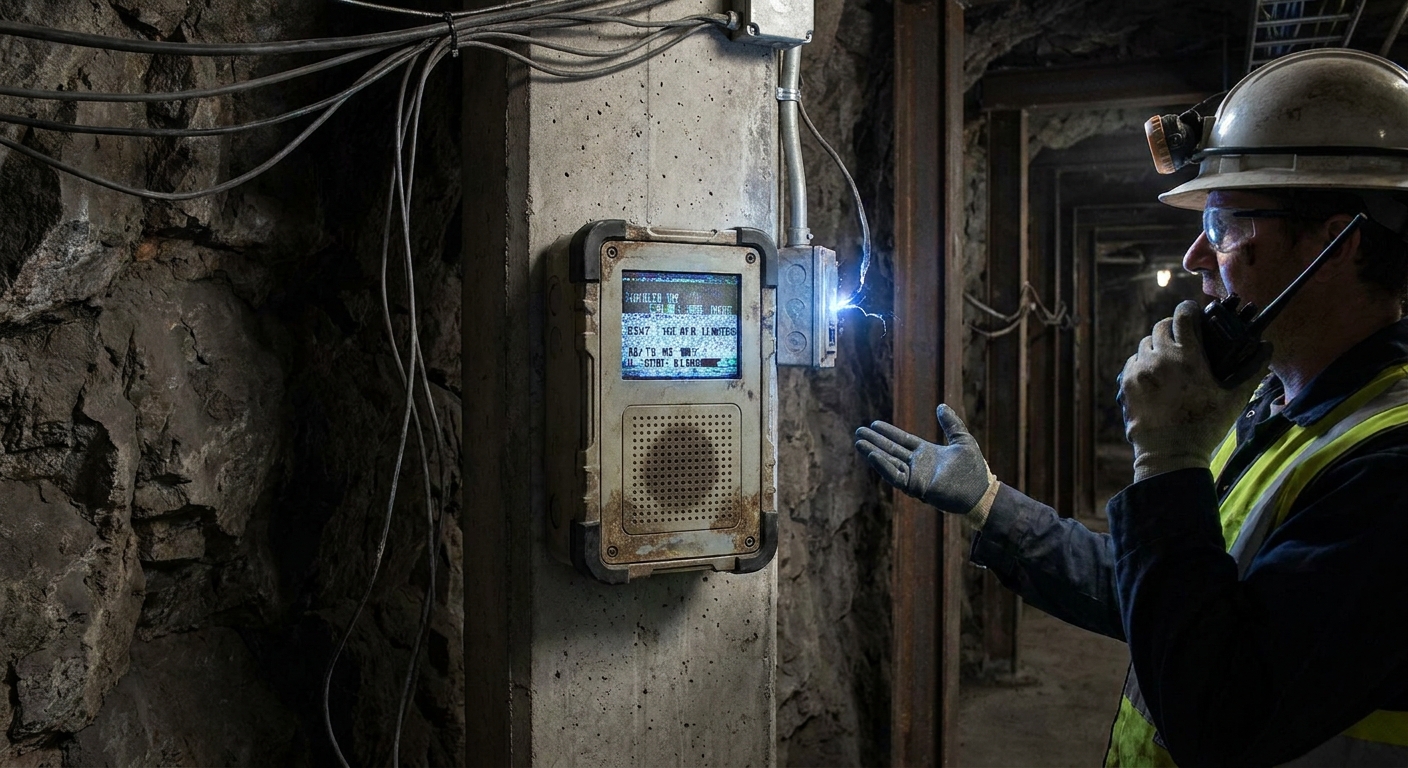
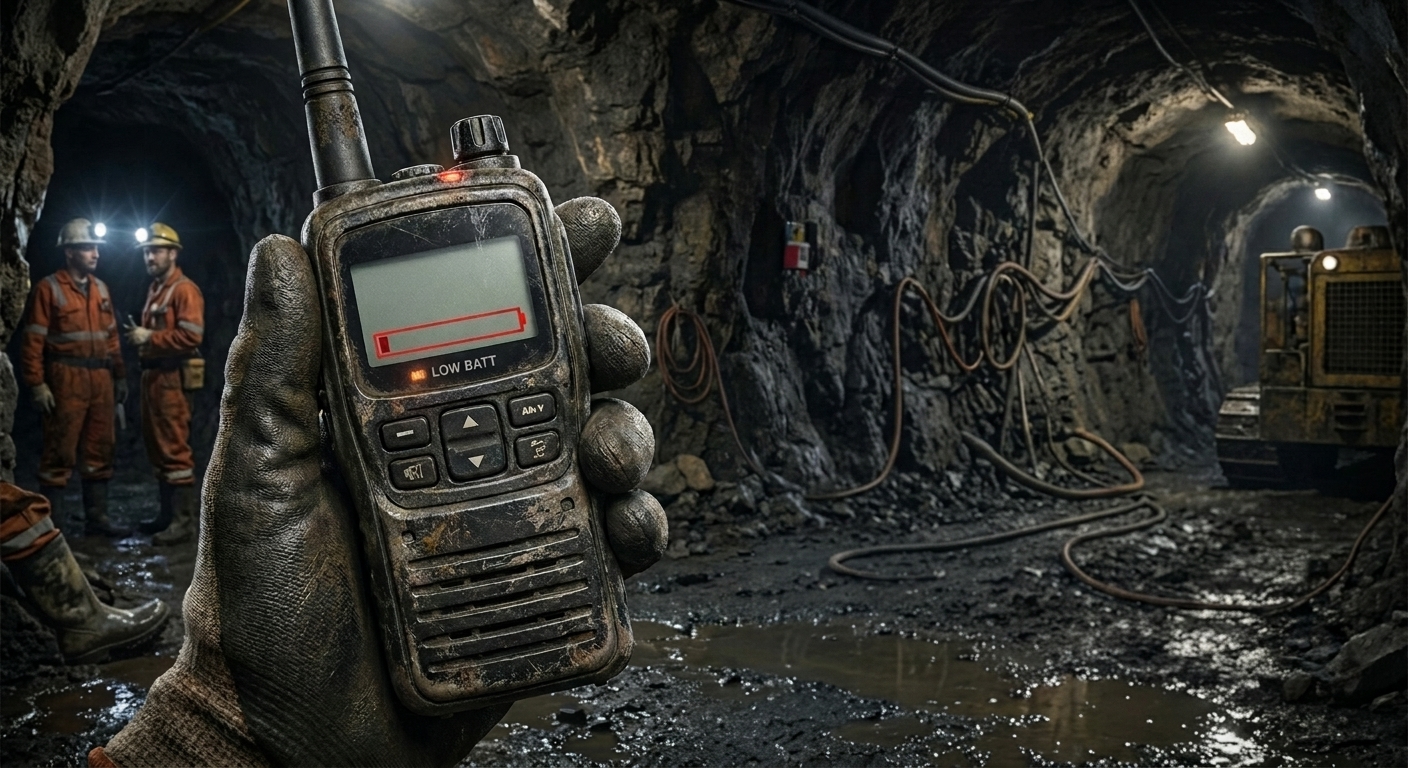
Backup power is what keeps your system alive when the main supply fails. If batteries aren't holding a charge or the system shuts down unexpectedly, you're one power blip away from total silence. Underground environments are tough on batteries — temperature swings and constant use wear them down faster than above-ground equipment.
Check battery health regularly and replace anything that's losing capacity. Verify that all power connections are secure and that surge protection is in place. A system that can't stay on isn't a system you can trust.
Software Running on Outdated Versions
Firmware and software updates aren't optional maintenance — they're essential. Outdated systems are slower, less secure, and more prone to compatibility issues. Manufacturers release updates to patch bugs, improve performance, and fix vulnerabilities. If you're running old code, you're leaving performance on the table and inviting problems.
Set a schedule for checking updates and applying them. Don't wait until something breaks to realize you're running software from three years ago. Staying current keeps the system stable and responsive.
Environmental Damage You Can See and Feel
Underground spaces are brutal on electronics. Moisture rusts connections. Dust clogs vents. Vibration loosens mounts. Temperature swings stress circuits. Over time, all of this adds up to degraded performance or outright failure. Inspect equipment regularly for visible signs of wear — corrosion, cracks, loose fittings, or anything that looks out of place.
Protective enclosures help, but they're not invincible. Clean components regularly and replace anything that's showing significant damage. Prevention beats emergency repairs every time.
Why You Can't Afford to Ignore the Warning Signs
Underground paging systems are critical infrastructure, not background noise. When they glitch, the consequences ripple fast — delayed responses, missed alerts, workers cut off from support. Mining safety equipment plays a vital role, and catching problems early means staying ahead of failures that could shut down operations or endanger lives. Communication systems enhance safety in underground settings when properly maintained, which is why regular testing, routine maintenance, and quick responses to anomalies keep the system functional when it matters most.
If your system is showing multiple signs of trouble, don't patch it and hope. Understanding page phones in underground communication and bringing in someone who knows the equipment can help diagnose the real issue. Consider exploring emergency communication plans with modern technology to strengthen your system's reliability. For facilities managing complex setups, two-way communication systems for deep underground operations require careful selection and ongoing attention. When issues persist, consulting specialists who understand customized page phone systems and working with providers of communicator page phones can ensure your infrastructure meets operational demands. Clean records, consistent coverage, and reliable performance are what separate a working system from one that's limping toward failure. You built the infrastructure to communicate underground — now make sure it actually works when you need it.
Let’s Keep Your Paging System Reliable
We know how crucial it is to have a paging system you can count on, especially underground where every second matters. If you’re noticing any of these warning signs, let’s address them before they become bigger problems. Give us a call at 800-523-1579 or contact us today so we can help you keep your team connected and your operations running smoothly.
‹ Back
Recent Posts
-

Can One Two-Way Radio System Cover Multiple Farms & Fields?
September 15, 2026
-

Do Farms Need an FCC License for Two-Way Radios?
September 1, 2026
-
When Should Mine Page Phones Be Serviced or Replaced?
August 18, 2026
-
Is Your Two Way Mining Radio Losing Battery Life Fast?
August 4, 2026
-